The AI notebook for your mind, not just meetings.
Talk it out on your phone, or type it at your desk. It files itself, then answers from only your words. No folders, no upkeep.

Free to try, no cardEncrypted, never trained on$8/mo billed yearly, cancel anytime
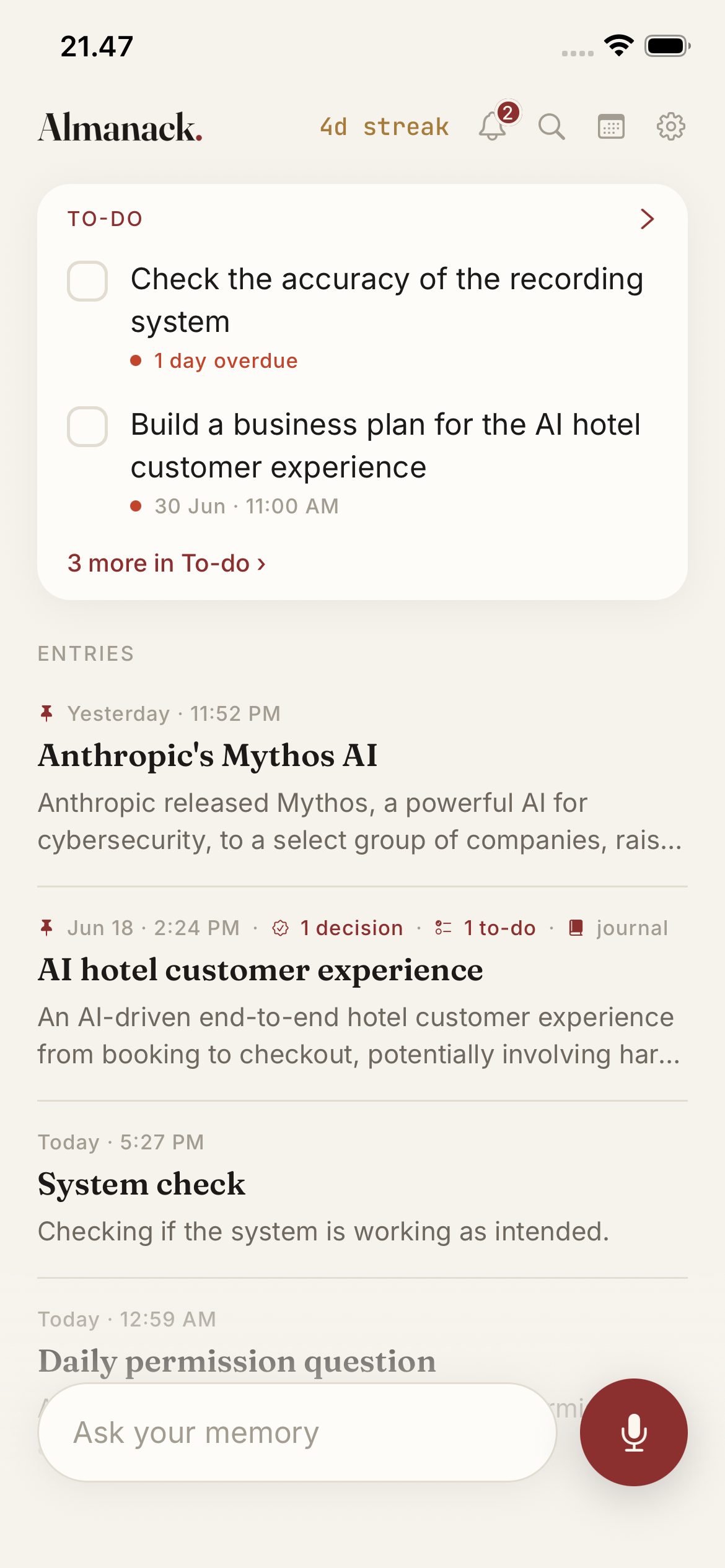
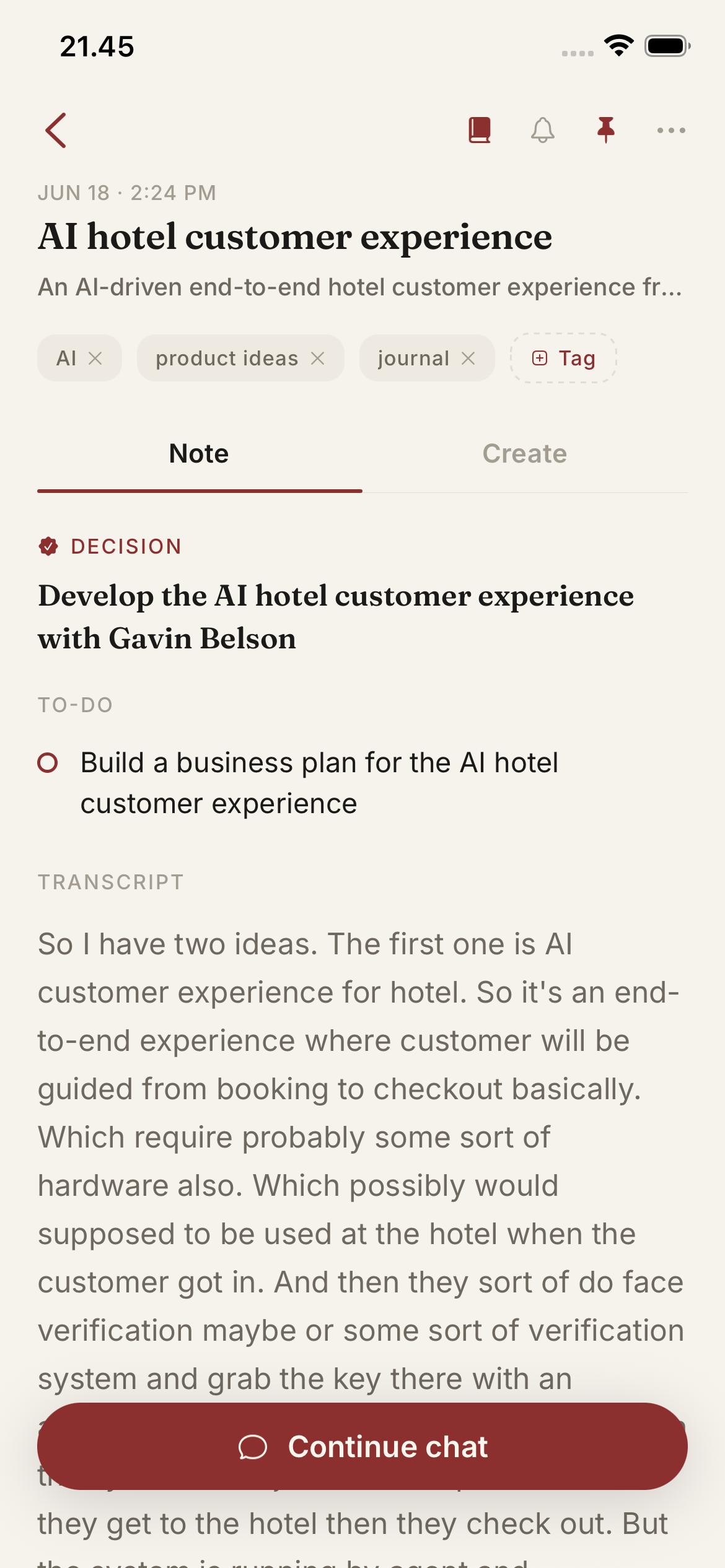
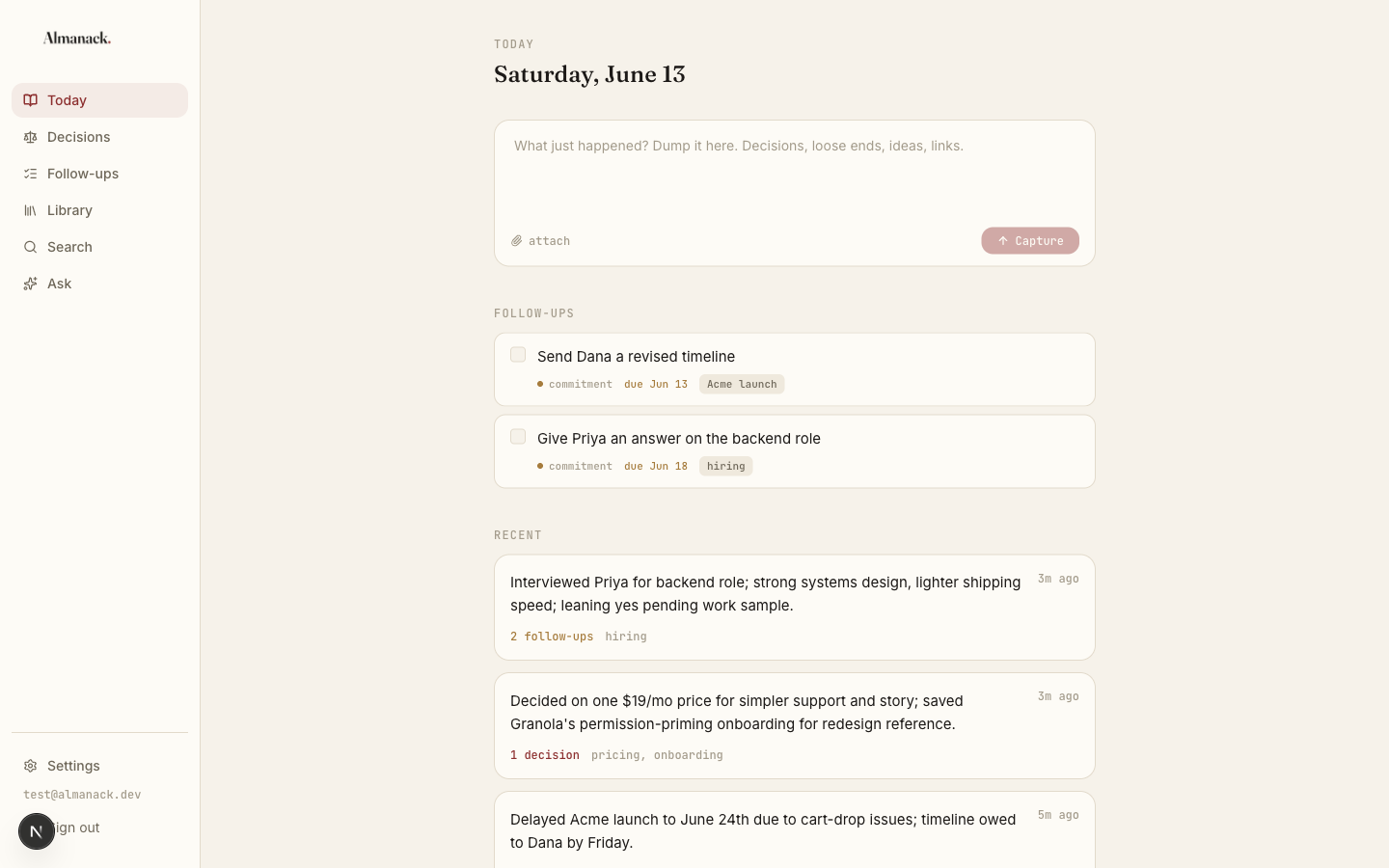
A raw ramble goes in. A clean note you can ask and act on comes out.
Your memory holds about seven things at once. The rest leaks.
Everything you capture stays. Almanack hands it back the moment you ask.
How it works
Talk it out. Ask it back.
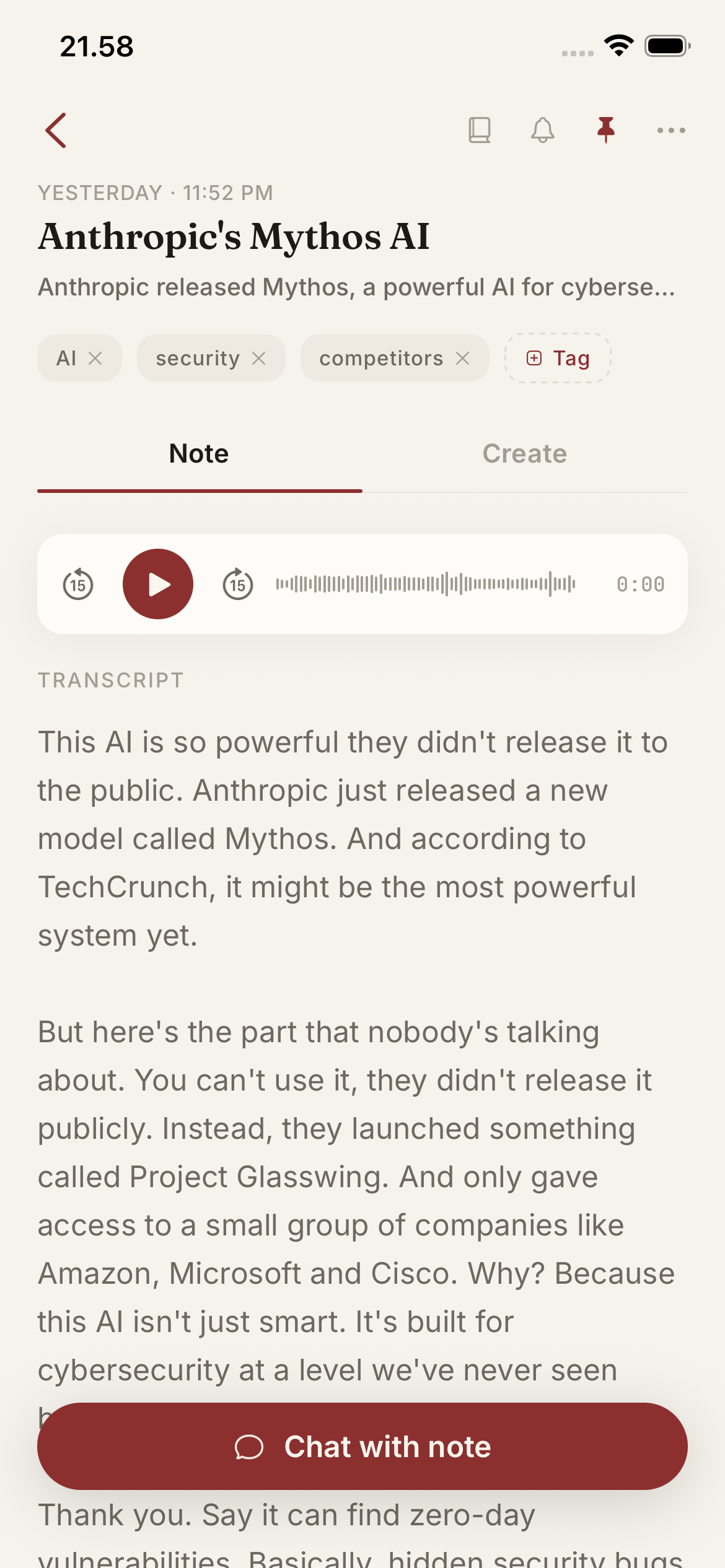
Dump it, anywhere.
Talk for a minute on your phone, or paste the mess at your desk. The pricing call. The hire you are leaning toward. The intro you promised a client by Friday. No formatting, no structure required.
Almanack structures it.
Your rambling comes back in clean sentences, your words, just without the ums and false starts. It is filed and dated for you, and anything you said you'd do is pulled out as a task. No formatting, no filing, no upkeep.
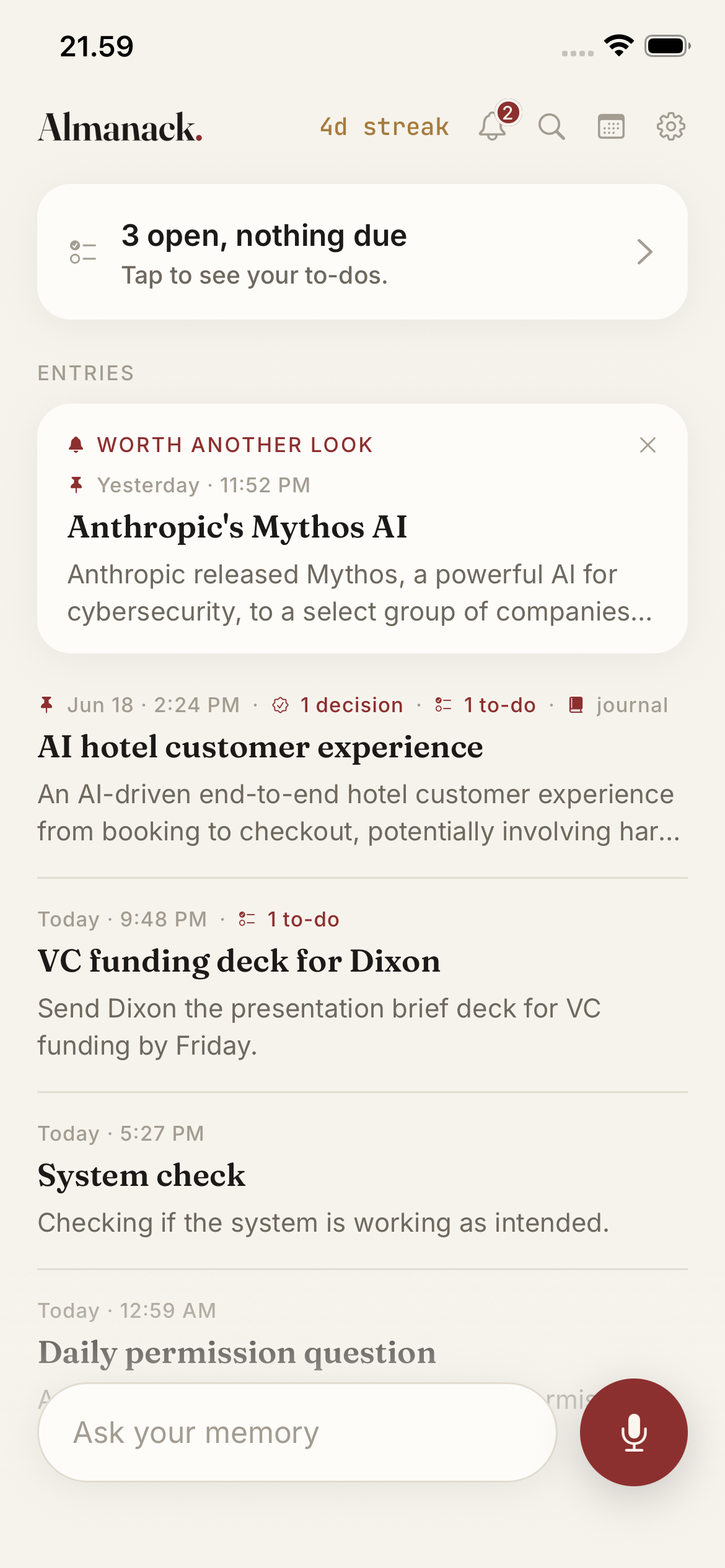
The right memory comes back.
Ask "what did I decide about pricing in March" and get it back in your own words, with the reasoning you gave at the time. Anything you said you'd do comes back as a reminder before it slips. Old notes resurface when they matter again.
"What did I decide about pricing in March?"
Ask your memory anything. Almanack answers from your own records, with the date and the reasoning you gave at the time. No more scrolling old notes hoping you wrote it down.
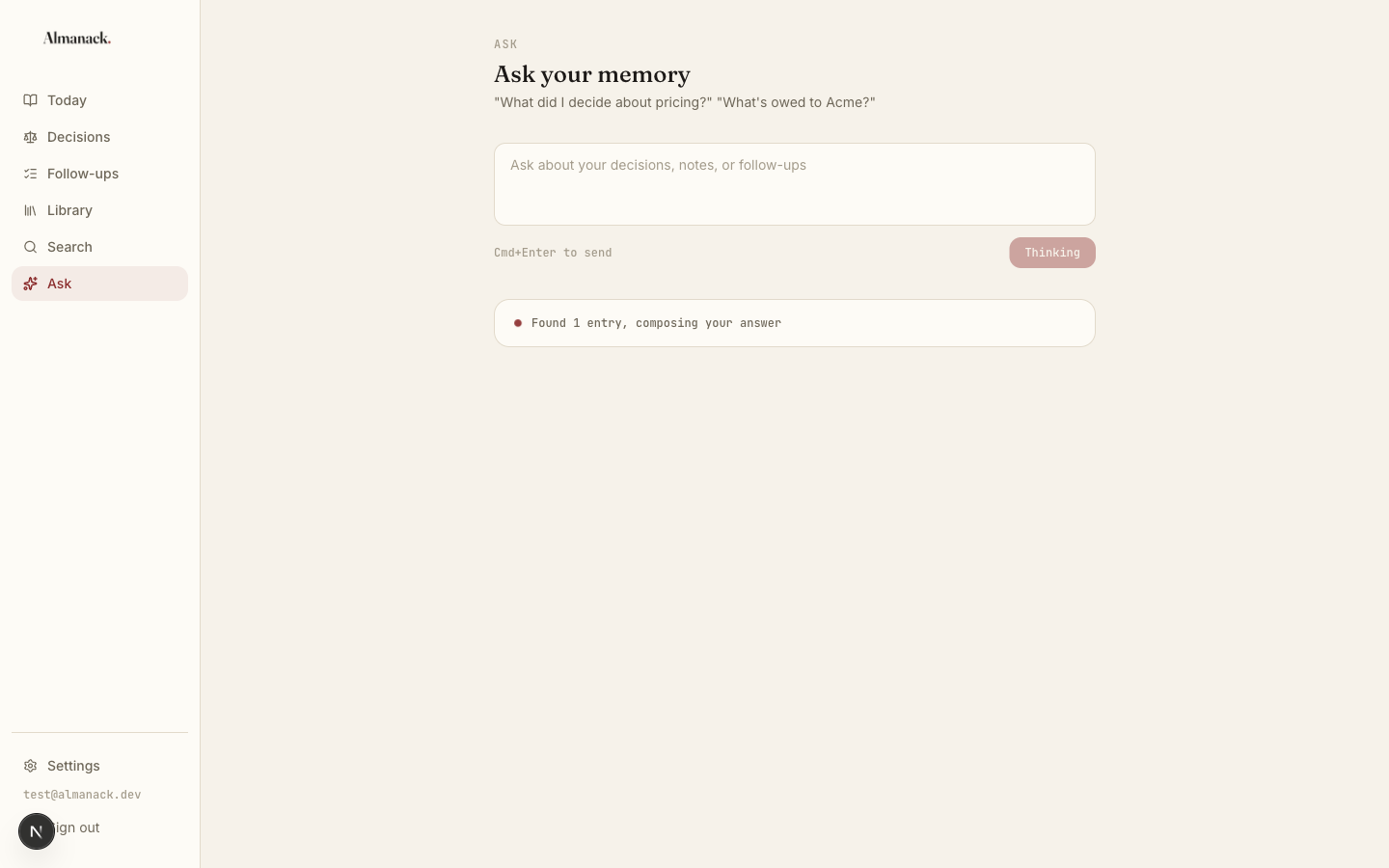
One memory, every surface: capture on iPhone or at your desk, and connect Claude or any AI that speaks MCP to ask your own memory from wherever you already work.
Recall
Two ways it comes back.
Other apps make you go digging. Almanack works both directions: ask it the moment you want something, and it brings the timely things back to you on their own.
Pull
You ask, it answers.
Ask your memory anything. "What did I decide about pricing, and why?" It answers in your own words, from only what you actually said. Not the internet. You.
Push
It comes back on its own.
Say you'll do something and it doesn't wait to be asked. Almanack pulls out the task, dates it, and reminds you on the day. The list you never reopen, except this one reopens itself.
Only the things you actually said. It never invents a task you didn't mention.
Meetings
Record the meeting. Ask it anything later.
Set your phone down and Almanack captures the whole room. No bot joins the call. You get a clean transcript, a summary, and the next steps, and weeks later you can ask the meeting a question and get an answer sourced to what was actually said.
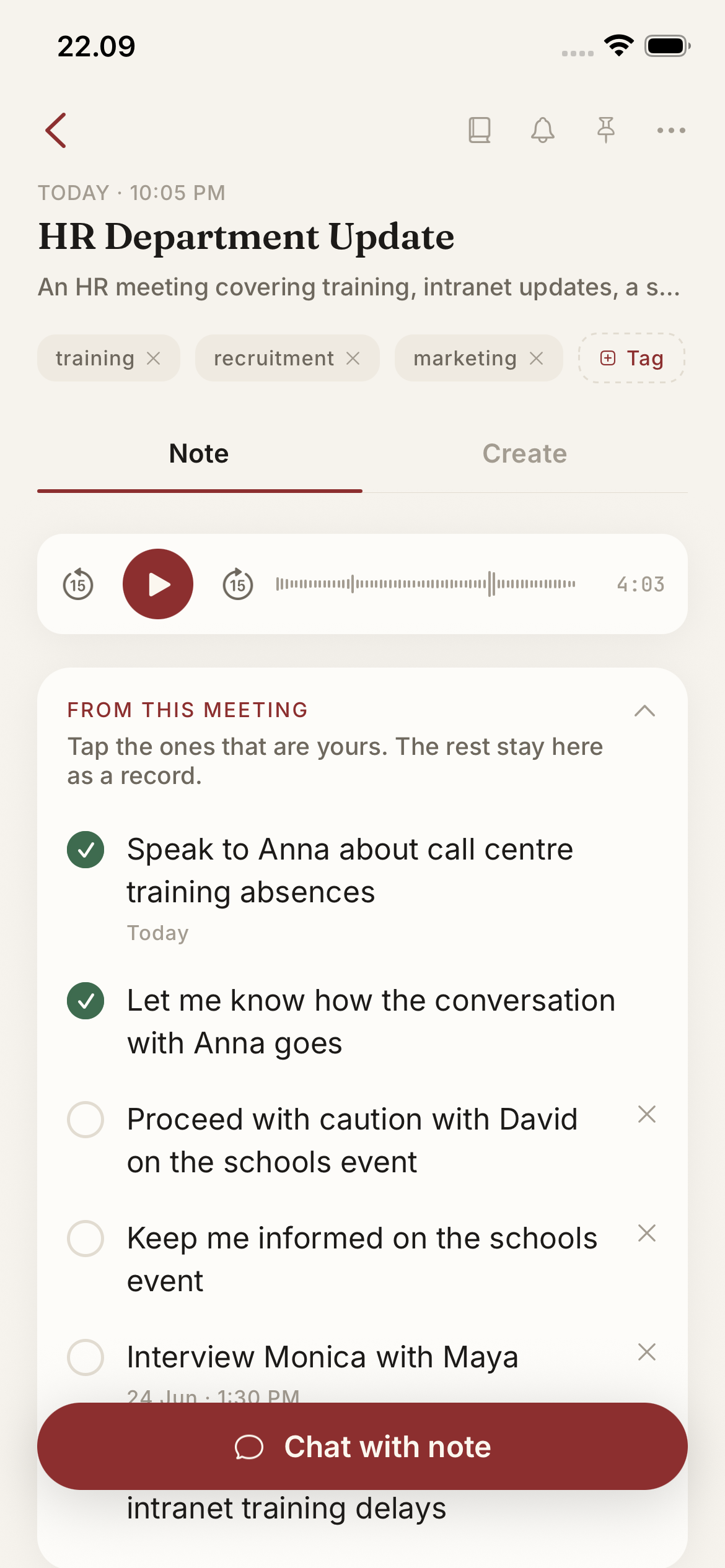
No bot joins
Hit record and set the phone down. Nothing joins the call and nobody sees a bot. It records the room, in person or remote.
Never lost
The recording saves the second you start, so a dead battery or a closed app never costs you the meeting.
Ask it after
Ask what was decided or who owns what. The answer is pulled only from what was said in the meeting, with the source.
We record and transcribe. We do not join your call as a bot, and we never invent what was said. How meeting notes work
Saved links
Capture what you read, not just what you say.
Share a video, an article, or a post into Almanack and it becomes a note, not a dead bookmark. Say why it matters in one line. Find it later by asking, never by digging through tabs.
How the best founders think about pricing
YouTube · First Round
"For the Q3 pricing call, the part on anchoring to value, not cost."
Create
Turn one note into anything.
A rambled note becomes a clean email, a tweet, a meeting brief, study notes, or a summary in seconds. Fourteen formats, one tap, all built from what you already said.
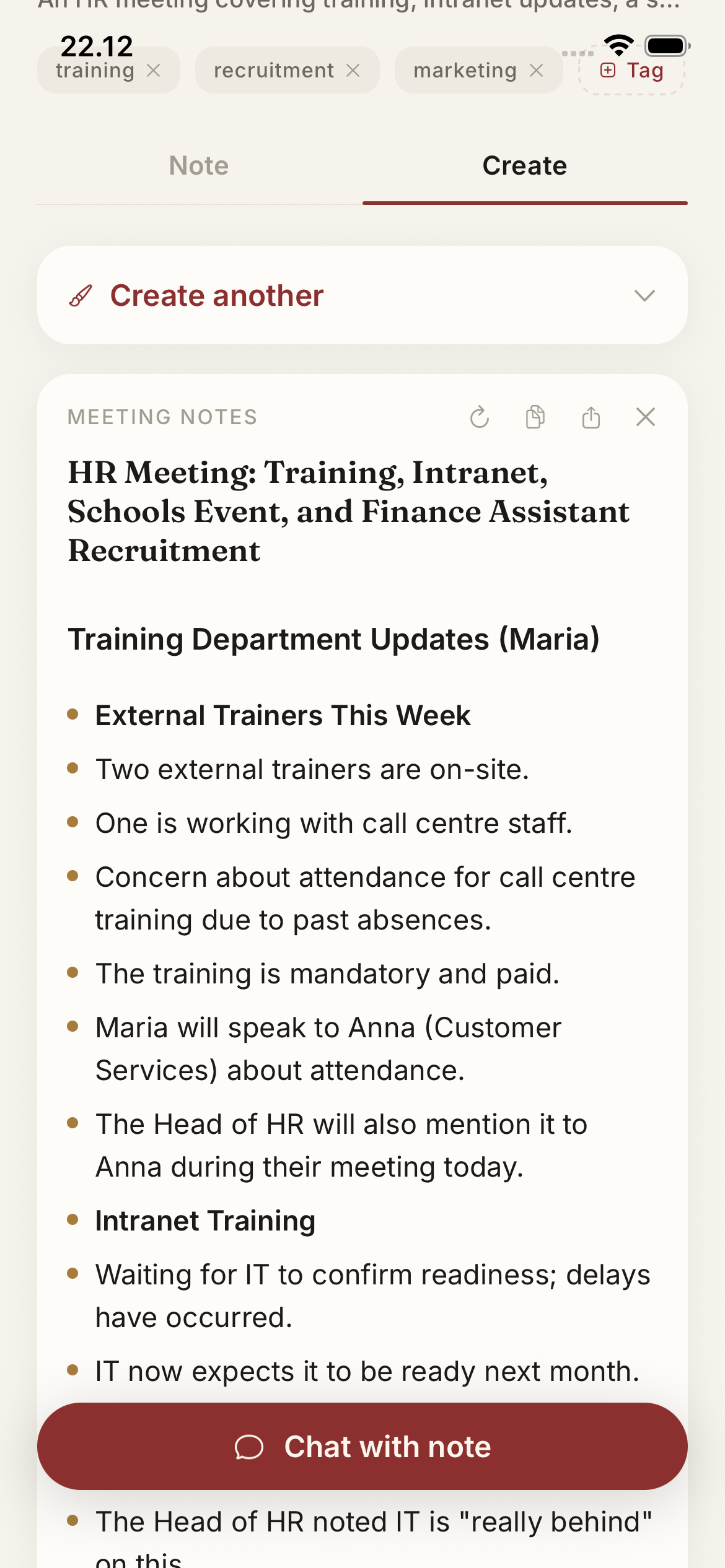
And the drafts can come out in your own voice, not a generic one.
Your voice
And it comes back sounding like you.
Almanack learns your writing tone from a sample. Turn a note into a tweet, an email, or a post and it writes the way you write. Not a robot, not corporate. You.
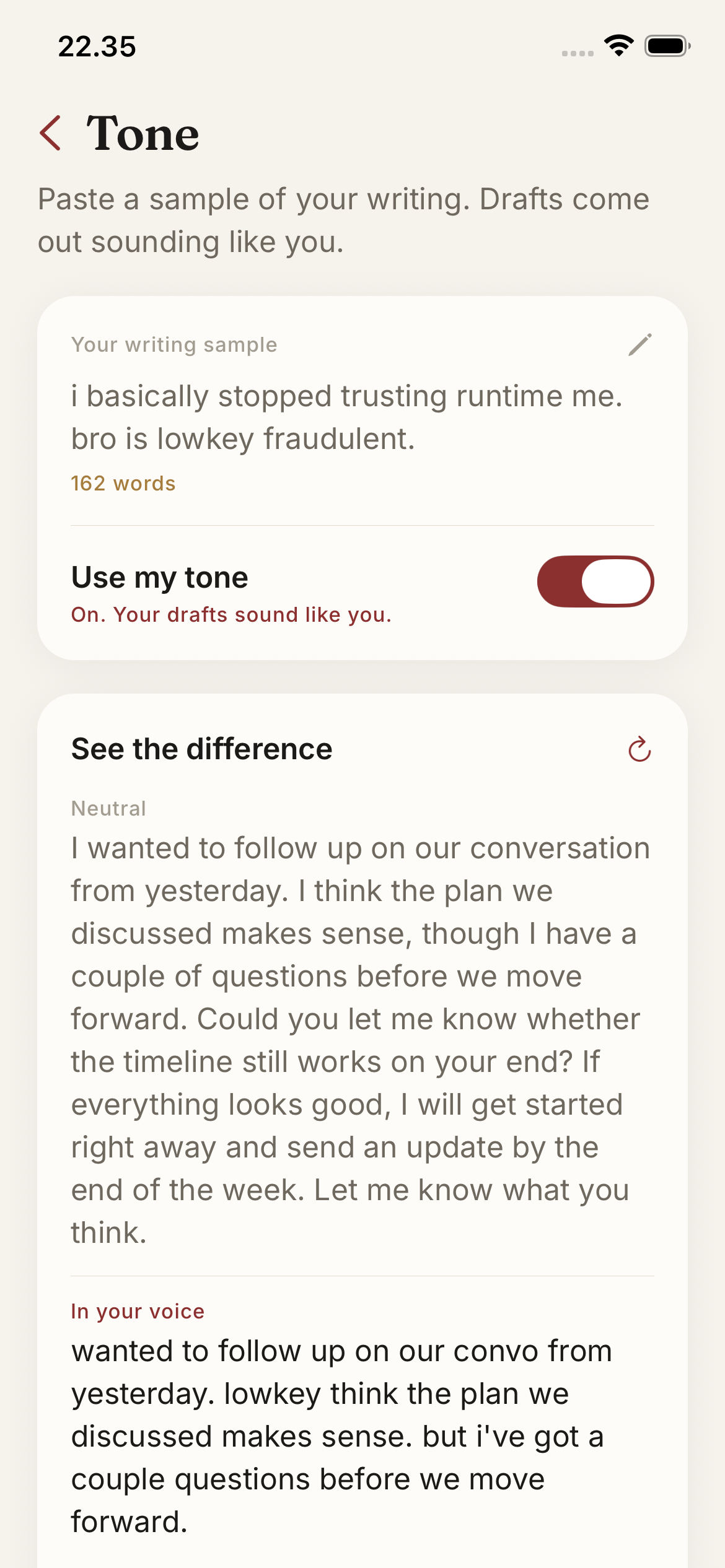
Generic AI
"I'm pleased to share that our onboarding flow is now complete. We plan to launch Monday and will keep the team apprised of any developments."
In your voice
Learned from you"new onboarding flow is done. shipping it monday. i'll tell the team."
Set your voice once. Every email, tweet, and post follows it. Summaries and briefs stay neutral.
Every market
Your memory speaks 0+ languages.
Turn any note into an email, a post, or a clean summary, then send it in the language you need. Almanack translates the way a person would, with the idioms and tone intact, not the stiff word-for-word you get everywhere else.
French
"They want the moon for peanuts."
Ils veulent la lune pour une bouchée de pain.
Idiom for idiom, not word for word.
Spanish
"We keep bending over backwards."
Nosotros nos desvivimos por ellos.
Reads like a native wrote it.
Japanese
"I'll sleep on it."
一晩考えてみる。
Keeps the casual, spoken tone.
Privacy
Your data is yours. Encrypted, isolated, exportable.
Your decisions are the most sensitive data you have. Here is exactly how Almanack handles them, and every claim is documented in the privacy policy.
Quick notes transcribe on your phone
Quick voice notes are transcribed on-device with Whisper, so that audio is not uploaded. Meetings and high accuracy use a cloud transcription provider that does not keep the audio.
Encrypted and walled off
Your memory syncs encrypted between your phone and your desk. In the database, row-level security isolates your data from everyone else's, enforced by the database itself. It is never used to train anything.
Yours to take or erase
Export your entire memory as markdown anytime. Delete your account and every entry, attachment, and key goes with it. Delete means delete.
Minimal AI surface
AI providers only ever see transcript text, sent through our proxy to structure your notes and answer your questions. No audio, no database access, no card data.
Full detail in the Privacy Policy. Every claim on this page is documented there.
"I built Almanack because I kept re-litigating my own decisions and dropping promises I'd made on calls. Now I dump everything and ask later. I use it every day."
Fabio, founder
Your future self will ask what you figured out today.
Almanack will have the answer. Talk it out on iPhone, ask it back at your desk.
$96 a year or $14 a month. Cancel anytime.